
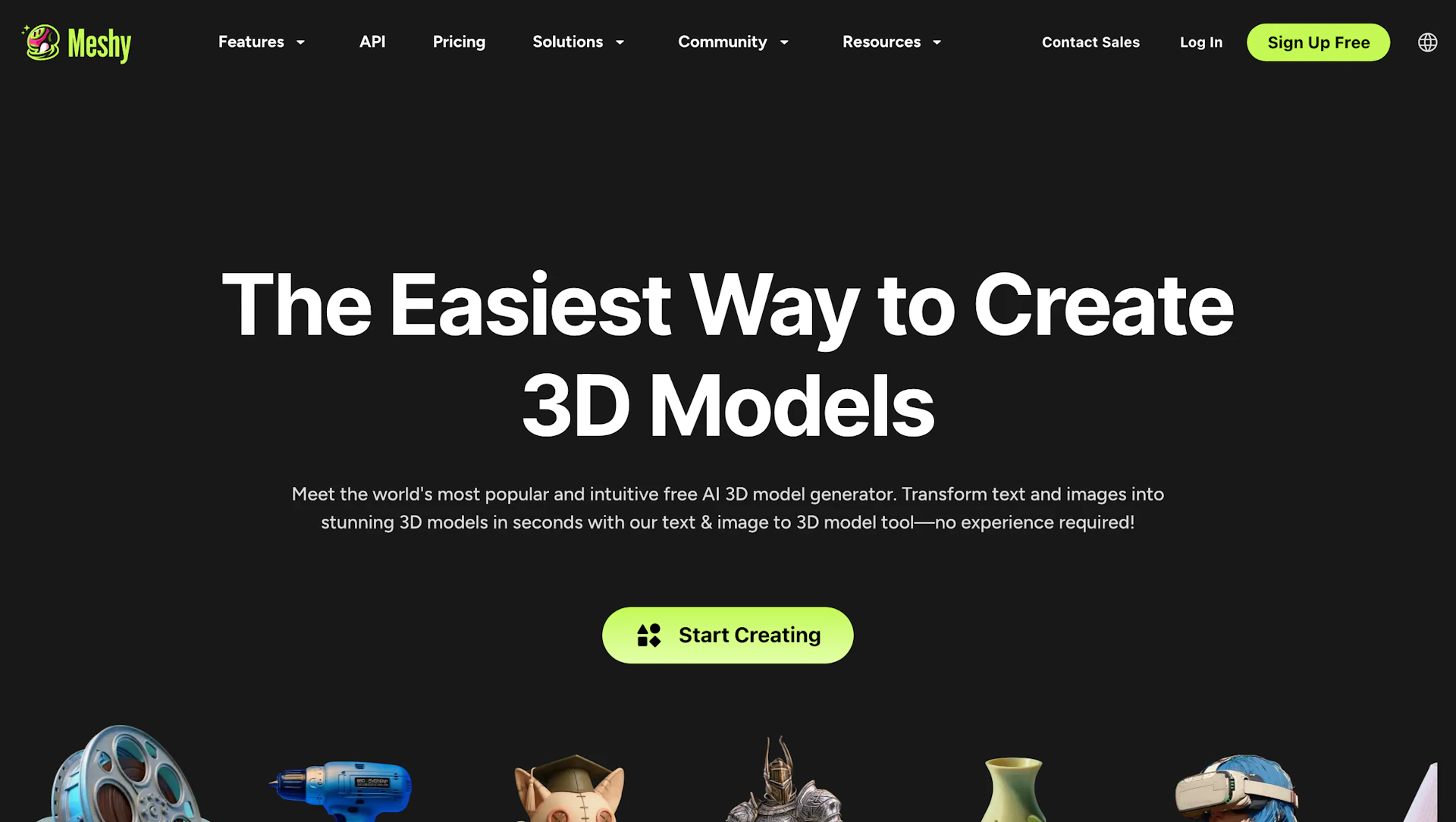
Creating a 3D model used to mean weeks of work in complex software, or a hefty invoice from a specialist. For game developers, 3D artists, product designers and hobbyists, that bottleneck has been a longstanding one. This is the problem the Meshy platform set out to solve. Meshy is an AI 3D model generator that turns text prompts and images into textured 3D models in minutes, so you can go from an idea to an asset without modeling everything by hand. Whether you're prototyping a game prop, preparing a model for a 3D printer , or building assets for AR and VR , Meshy has become one of the best-known names in the category. In this article, we take a closer look at what Meshy offers, how it works, what it costs and where it falls short.
Meshy is an AI-powered 3D generation platform that creates models from text descriptions , single images or multi-view inputs . It is aimed at 3D artists , game developers , 3D printing hobbyists and XR prototypers . The company reports more than 12 million registered users and over 100 million models created as of July 2026, which are the company's own figures. Its model family has moved quickly: Meshy 6 arrived in late 2025, Meshy 7 followed in August 2026 as a new image-to-3D foundation model, and Meshy 7.1 began rolling out in September 2026 with an Ultra 4K geometry option.
So, what does the platform actually let you do? Some of the core features include:
There are several reasons creators reach for Meshy instead of modeling everything from scratch:
Meshy bundles several tools into one browser-based workspace, so you can generate, texture, fix up and export without leaving the platform. The main ones are:
When it comes to choosing the right tool, it helps to know what each one is for. The following table summarizes the main tools:
| Tool | Input | Best For |
|---|---|---|
| Text to 3D | A written prompt | Quick concept assets and prototyping |
| Image to 3D | One image or several views | Turning concept art or reference photos into models |
| AI Texturing | An existing model plus a prompt or reference | Restyling and adding PBR materials |
| Rigging and Animation | A humanoid character model | Game-ready characters with preset animations |
Meshy also gives you control over the output . You can choose the AI model version, set polygon targets and topology, and pick the export format you need. Recent updates added Smart Topology, which lets image-to-3D produce models with native parts at a target face count you set, and support for 8K base color textures. These settings matter because AI-generated meshes can be very dense, so a bit of tuning up front saves cleanup later.
Meshy has consistently pushed the pace of generative 3D . Its model family is proprietary and hosted, so you use it through the website, the plugins or the API rather than running it yourself. Each major release has aimed at cleaner geometry and better alignment with the input: Meshy 6 focused on higher-quality meshes and a low-poly mode, Meshy 7 introduced a new foundation model for image-to-3D, and Meshy 7.1 emphasized finer geometric detail.
The basic flow is simple. You type a prompt or upload an image, pick a model version and settings, and the platform generates a textured 3D model. From there you can refine the texture, remesh it, rig it or send it to another application. Meshy says credits aren't deducted for failed generations, and canceled tasks are refunded, which takes some of the risk out of experimenting.
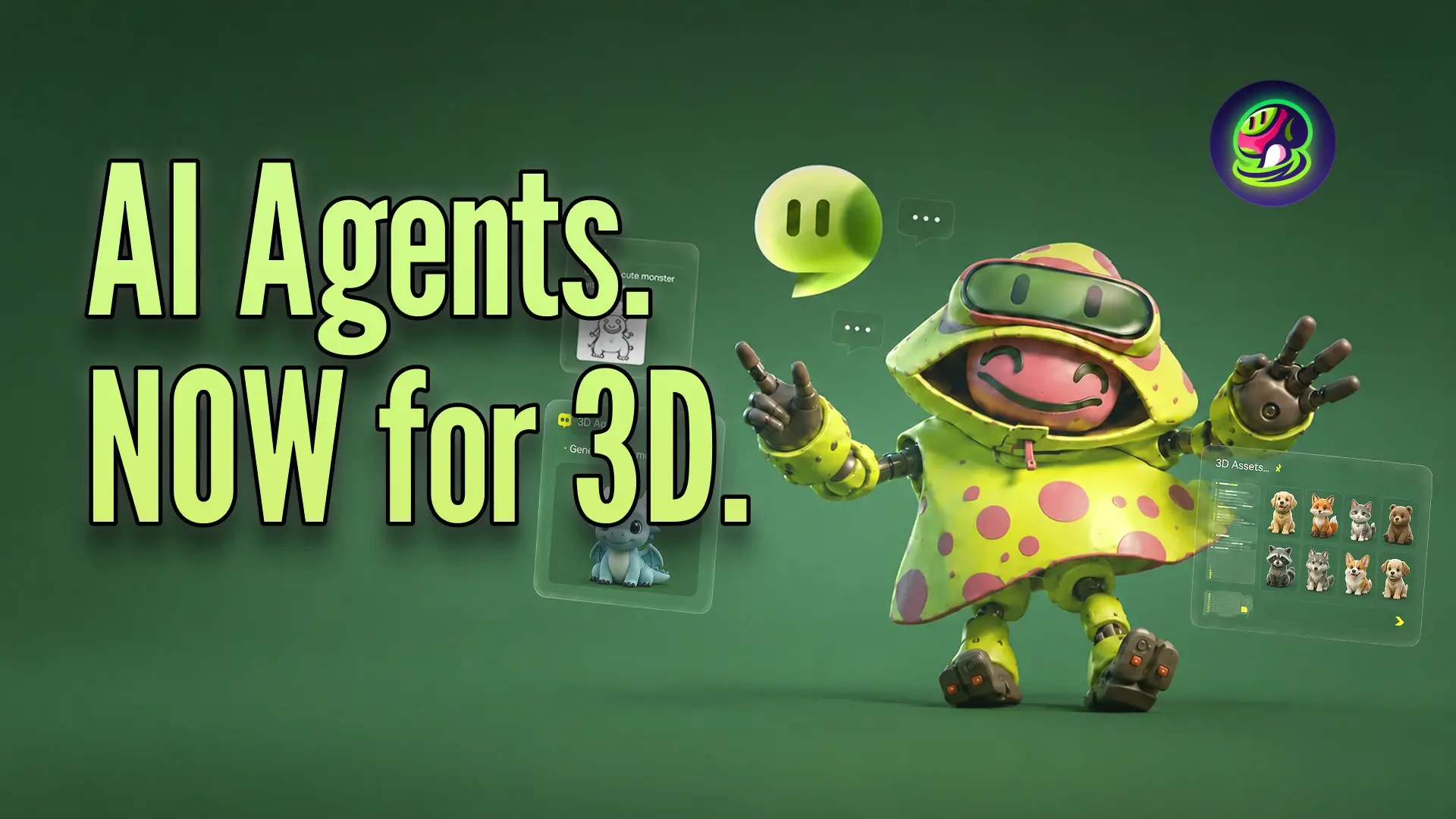
The platform is moving toward more conversational and agent-based workflows . The 3D Agent beta, launched in June 2026, aims to handle brainstorming, visual concepts, model generation and export in a single conversation. Expect continued improvements in texture quality , geometric detail and pipeline integrations , though specific roadmap items are the company's to announce.
Independent reviewers generally praise Meshy's pipeline completeness : generation, texturing, remeshing, rigging and export are all in one place. It tends to work best for props, environment assets, stylized characters and 3D print base meshes , where a fast first draft saves the most time. Reviews describe textures as realistic and geometry as relatively clean for real-world uses.
As with any AI generator, the results aren't always production-ready on the first try. Some generated models arrive with very high polygon counts, and retopology, decimation and UV cleanup may still be needed before a model goes into a game engine. Auto-rigging is reported to work mainly for biped humanoid characters. Treat Meshy as a powerful starting point rather than a replacement for a skilled 3D artist on hero assets.

How does Meshy compare with the other ways to get a 3D model? The table below is a general comparison, not a benchmark:
| Feature | Meshy | Traditional modeling (Blender, Maya) | Other AI 3D generators |
|---|---|---|---|
| Speed to first model | Minutes | Hours to days | Minutes |
| Skill needed | Low to moderate | High | Low to moderate |
| Control over details | Moderate, with remesh and texture tools | Full | Varies |
| Cost model | Credit-based subscription | Software plus your time | Varies, and some are open source |
| Best for | Fast prototypes and complete AI workflows | Final, hand-tuned assets | Experimentation and specific niches |
Meshy competes with other hosted AI 3D tools, as well as with open-source models you can run yourself if you have the hardware and technical skills. Many creators combine approaches: generate a draft in Meshy, then refine it in traditional software.
Meshy supports common export formats such as FBX, OBJ, GLB, USDZ and STL , which cover most engines, AR uses and 3D printers. There are official plugins for Blender and Unreal Engine , and reviews and documentation also describe integrations for Unity, Godot, Maya and 3ds Max. Check the integrations page for your exact software version, since support is version-specific. For example, the Unreal plugin ships in separate builds per engine version, and Blender support is tested only on specific versions, with Linux not officially supported.
To get the most out of your credits, follow a few simple habits:
Meshy uses a credit-based system , where each plan includes a monthly allowance that you spend across the generation tools. Plan credits reset monthly and don't accumulate. According to Meshy's pricing page, there are four plans: a Free plan, a Pro plan at about $20 per month, a Studio plan at about $60 per month (some third-party sites call this tier "Max"), and a custom Enterprise plan. Annual billing is cheaper per month. Credit allowances and what they cover have changed over time, with some sources listing the free tier at 100 credits and older ones at 200, so check the current numbers before you decide.
| Plan | Who It Suits | Notes |
|---|---|---|
| Free | Trying the platform | Limited monthly credits, no card required, outputs licensed CC BY 4.0 |
| Pro | Individual creators and game developers | More credits, commercial use rights, API access reported |
| Studio | Heavier users and small teams | Larger credit allowance and more features |
| Enterprise | Large organizations | Custom credits and dedicated support |
This one matters for working creators. Meshy states that all paid plans include commercial-use rights, while outputs from the Free plan are licensed under CC BY 4.0, which means attribution is required. If you plan to use models in a commercial game, product or client project, make sure you're on a paid plan and read the current terms.
Different operations use different amounts of credits, and newer, higher-quality options can cost more. Extra credit packs are available on paid plans, and some comparison sites flag that top-ups can add up quickly for heavy users. Plan your usage, use drafts to explore, and keep an eye on the credit cost shown before each generation.
Meshy offers a help center , detailed documentation for the web app, plugins and API, and a billing FAQ. Paid and enterprise customers get additional support options. If you run into a failed generation or a billing question, start with the help center and the docs.
Meshy also has an active creator community , including a library of community models you can download, tutorials, and a program that rewards creators for sharing work. This makes it easy to learn prompt techniques, see what others are generating and get ideas for your own projects.
Across review sites and independent write-ups, a few themes come up again and again. We haven't tested every claim ourselves, and ratings change over time, so check the live scores on sites like G2 and Trustpilot rather than relying on a single number.
| What Reviewers Like | What Reviewers Flag |
|---|---|
| Fast generation and an easy interface | Dense meshes that need cleanup for production |
| Complete workflow from generation to export | Credit costs that add up for heavy use |
| Good fit for prototypes, props and 3D printing | Rigging mainly limited to humanoid characters |
| Plugins and common export formats | Plugin support depends on your software version |
| A free plan to try before paying | Free-plan outputs carry an attribution license |
In conclusion, Meshy is a strong choice for anyone who wants to create 3D models faster . With text-to-3D and image-to-3D generation, AI texturing, remeshing, rigging, a growing set of plugins and a free plan to start, it covers much of the pipeline in one place. It isn't magic: generated meshes often need cleanup, credits can add up, and hero assets still benefit from a skilled artist's touch. But as a fast prototyping and asset-creation tool , it can save a great deal of time for game developers, 3D printing fans, designers and XR creators.
If you're curious to see what Meshy can do for your own projects, the easiest way is to try it. Visit the Meshy website to explore the tools, check the current plans and start with the free tier. Try a few prompts, test the export in your favorite software, and see for yourself whether it fits your workflow.