Maya Mobile Review: The Ultimate eSIM Solution for Global Travelers
Disclosure: this page contains affiliate links. We may earn a commission if you buy through them, at no extra cost to you.
Introduction
When you’re jet‑setting across borders, staying connected is no longer a luxury—it’s a necessity. From checking in for a flight, to confirming a reservation at a hidden‑gem restaurant, to sending a quick photo to friends back home, reliable internet is woven into every step of modern travel. This post offers an honest, in‑depth look at Maya Mobile, a travel‑focused eSIM provider that promises 4G/LTE and 5G data in more than 165 countries. Whether you’re a frequent flyer who lands in a new airport every few weeks, a digital nomad who strings together weeks‑long stays in multiple cities, or just a vacationer who wants reliable internet without hunting down local SIM cards, this review will walk you through the service, explore how it works in real‑world scenarios, and help you decide if Maya Mobile fits your travel style.
Key Features at a Glance
Maya Mobile positions itself as a digital‑only solution for international connectivity, and the company’s marketing highlights a concise set of attributes that matter to travelers. Below each bullet is expanded with practical context, so you can see not just what the feature is, but why it matters when you’re on the road.
- Digital eSIM: The service eliminates the need for a physical SIM card. Activation is performed through a dedicated mobile app that guides you step‑by‑step. For a traveler, this means you can set up your data plan while still at home, on the plane, or as soon as you land, without the hassle of searching for a local vendor or waiting for a card to be mailed.
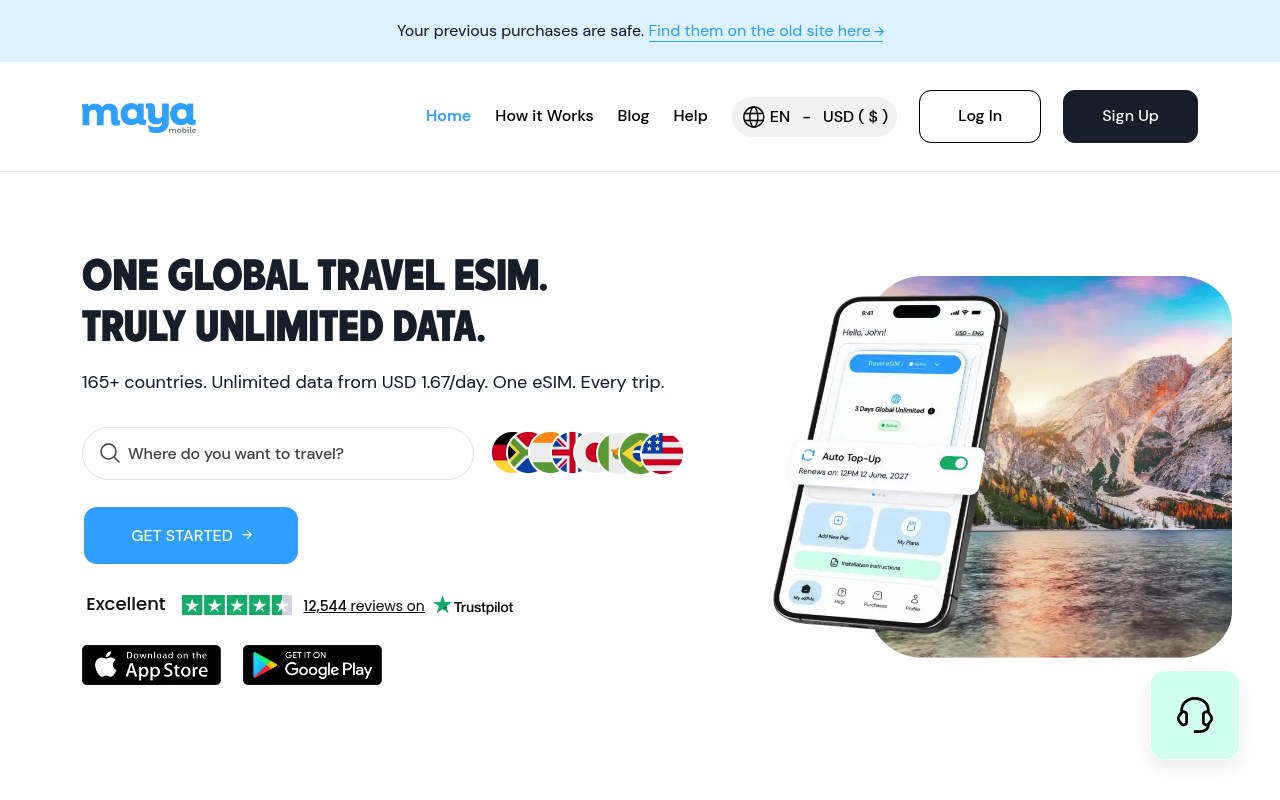
- Coverage: Maya Mobile advertises 4G/LTE and 5G networks in over 165 destinations worldwide. This extensive footprint covers the usual tourist hotspots—such as Paris, Tokyo, and New York—as well as emerging markets and remote locations that often lack robust connectivity. The breadth of coverage is particularly valuable for nomads who may spend a month in a smaller city where traditional roaming agreements are sparse.
- Prepaid Plans: All data bundles are prepaid, meaning you pay up front for a set amount of megabytes or gigabytes and can top‑up at any moment. This pay‑as‑you‑go model avoids surprise overage fees and gives you full control over spending, a key consideration for budget‑conscious travelers.
- Target Audience: The brand explicitly cites international travelers, digital nomads, and frequent flyers. The language and design of the app reflect this focus, offering quick‑switch options for multi‑country itineraries and easy visibility of remaining data, which are features that resonate strongly with people who move often.
Comparison Overview
| Feature |
Maya Mobile |
Typical Competitor |
| SIM Type |
Digital eSIM (no physical card) |
Physical SIM or eSIM (varies) |
| Coverage |
165+ countries, 4G/5G |
100‑150 countries, 4G/5G (varies) |
| Plan Structure |
Prepaid, top‑up anytime |
Prepaid or subscription, often with contract |
| Target Users |
Travelers, nomads, flyers |
General consumers, some focus on travelers |
Why Maya Mobile Stands Out
The eSIM market is getting crowded, but Maya Mobile differentiates itself through three core strengths that become evident once you walk through a typical travel workflow. First, the brand’s exclusive focus on travelers means its data bundles are sized for short‑term stays (a few days) as well as long‑term remote‑work assignments (several weeks). You’ll find plans ranging from a few hundred megabytes—perfect for checking email and maps—to multi‑gigabyte packages that can sustain video calls, streaming, and cloud‑based project work. Second, the digital‑only activation removes the friction of locating a local vendor, negotiating language barriers, or waiting for a SIM to be mailed ahead of time. In practice, you open the Maya Mobile app, select your destination (or multiple destinations), choose a plan, and the eSIM profile downloads to your device within minutes, often while you’re still on the airport tarmac.
Finally, the breadth of 5G coverage across a huge number of nations gives users confidence that they’ll stay fast‑connected even in less‑touristy regions. For example, a digital nomad traveling from Lisbon to a small coastal town in Portugal can remain on a 5G network if the local carrier supports it, rather than falling back to slower 3G or 2G that would cripple productivity. The brand also supports a wide array of eSIM‑compatible devices, from flagship smartphones (iPhone 15, Samsung Galaxy S24) to tablets and even some laptops, meaning you can keep a single data plan across all your work tools.
To illustrate the “one‑click” feel, imagine you’ve booked a multi‑city European trip: London → Berlin → Prague. With Maya Mobile, you open the app, add each city to your itinerary, pick a 10 GB regional plan that covers the entire Schengen area, and activate the eSIM once you land in London. When you board the train to Berlin, the same profile remains active; you don’t need to purchase a new local SIM at each border. The app also notifies you when you’re approaching your data limit, prompting an easy top‑up without leaving the interface.
Pros and Cons
- Pros
- Instant Activation: No waiting for a physical card; the eSIM profile is downloaded within minutes. This is especially helpful after a long flight when you need to navigate a new city immediately.
- Broad Global Reach: Coverage in over 165 countries includes both popular tourist hubs and emerging destinations. Travelers to remote areas—such as high‑altitude villages in the Andes or island chains in the Pacific—can often find a partner network that still offers 4G/5G service.
- Flexible Top‑Ups: Add more data whenever you need it without committing to a long‑term plan. If you unexpectedly need an extra gigabyte for a video conference, a few taps in the app will extend your balance instantly.
- 5G Ready: Future‑proof connectivity where networks support it. Early adopters of 5G can take advantage of higher speeds for tasks like uploading large design files or streaming 4K content on the go.
- All‑Digital Management: Manage plans, usage, and renewals directly from the app. The dashboard provides a clear visual of remaining data, days left on the plan, and a log of recent usage, which helps avoid surprises.
- Cons
- Device Compatibility: Requires an eSIM‑compatible device; older phones are excluded. Travelers with legacy devices will need to either upgrade or fall back to a traditional SIM solution.
- Limited Physical Support: No brick‑and‑mortar stores; all help is online. While the in‑app chat and FAQ are comprehensive, there’s no option to walk into a shop for face‑to‑face assistance, which some users may find unsettling.
- Plan Transparency: Exact data speeds and throttling policies vary by local carrier and are not always disclosed up front. In practice, this means you might experience slower speeds in countries where the partner network has capacity constraints, but the variability is typical of any roaming‑based eSIM service.
Who It Is For (and Who Might Skip It)
Ideal Users
- Frequent International Travelers: If you find yourself boarding a plane every few weeks—whether for business conferences, family visits, or leisure trips—having a single data solution that works across borders can save you both time and mental bandwidth. Maya Mobile’s eSIM eliminates the need to hunt for a local SIM at every airport or city center, allowing you to land, power on your device, and immediately connect to a 4G/LTE or 5G network. This is especially useful for travelers who rely on real‑time flight updates, translation apps, or cloud‑based itinerary managers that demand continuous connectivity.
- Digital Nomads: Remote professionals who set up a temporary office in cafés, co‑working spaces, or beachfront villas often stay in one country for weeks or months. In these scenarios, the stability of a wired broadband connection can be unpredictable, and local ISPs may require lengthy contracts or physical installations. Maya Mobile’s prepaid eSIM gives you the flexibility to start a data plan the moment you arrive, adjust the volume as your workload fluctuates, and switch to a new country’s plan without ever swapping hardware. The ability to manage everything from a single app also aligns with the “mobile‑first” mindset that many digital nomads champion.
- Tech‑Savvy Vacationers: Even if you’re not a full‑time remote worker, modern vacationers increasingly expect their smartphones to act as travel assistants—providing maps, AR guides, instant photo backups, and social‑media sharing. For those comfortable navigating app stores, scanning QR codes, and tweaking cellular settings, Maya Mobile’s digital‑only workflow feels natural. You can pre‑load a data package from the comfort of your home, receive a QR‑code or profile link in your inbox, and activate the eSIM on the flight or once you’ve cleared customs. This reduces the “offline” period that often occurs when you wait for a local SIM vendor to set up a connection.
Better Alternatives for
- Legacy Phone Owners: Not every device released before 2018 supports eSIM technology. If your phone or tablet lacks the “Add Cellular Plan” option in the settings menu, Maya Mobile’s digital profile cannot be installed. In such cases, a traditional physical SIM—purchased at a local kiosk or from a global carrier with a compatible SIM card—remains the most reliable path. Attempting to force an eSIM onto an unsupported device could result in connectivity errors, wasted data, or even the need to revert to Wi‑Fi‑only usage.
- Ultra‑Budget Travelers: While Maya Mobile offers competitive prepaid tiers, the cost per gigabyte can vary by region and by the specific plan you select. In some destinations, local carriers sell very low‑cost pay‑as‑you‑go SIMs that include generous data bundles or even unlimited plans for a flat daily fee. If you are traveling on a shoestring budget and are willing to spend a few minutes at the airport or a city market to buy a local card, that approach may stretch your data further. Maya Mobile shines when you value convenience over the absolute lowest price point.
- Users Who Prefer In‑Person Support
Some travelers place a high value on face‑to‑face assistance—whether to troubleshoot a connection issue, get help with device settings, or simply have a human confirm that the SIM is working before they leave the store. Maya Mobile operates entirely through a digital app and online support channels. While the company does provide chat and email help, there is no physical storefront or walk‑in desk. If the idea of troubleshooting solely through a screen feels uncomfortable, or if you have had past experiences where remote support fell short, you might prefer a carrier that maintains retail locations or airport kiosks where staff can guide you step‑by‑step.
Buying Checklist
Before you purchase a Maya Mobile plan, run through this checklist to ensure a smooth experience. Treat it as a pre‑flight routine: the more you verify now, the fewer surprises you’ll encounter once you’re on the ground.
- Device Compatibility: Confirm that your smartphone, tablet, or laptop supports eSIM activation. On iOS devices, look for “Cellular” under Settings; on Android, check “Network & internet” → “Mobile network” → “Advanced” → “Carrier”. If you are unsure, consult the manufacturer’s specifications or the official Maya Mobile website, which lists the most common compatible models.
- Destination Coverage: Maya Mobile offers service in more than 165 countries, but coverage is not uniformly available in every city or region within a country. For example, remote islands, mountainous areas, or rural zones may rely on legacy 2G networks that Maya Mobile does not support. Before you lock in a plan, look up the specific destination on Maya Mobile’s coverage map and verify that major cities or the areas you intend to visit are marked as supported. If coverage is uncertain, consider a backup local SIM as a contingency.
- Data Needs Estimate: A realistic data budget helps you avoid both over‑paying for unused gigabytes and running out of data mid‑trip. Think about your typical daily activities: streaming music (≈ 50 MB per hour), video calls (≈ 250 MB per hour), navigation (≈ 30 MB per hour), and cloud photo uploads (variable). Create a rough spreadsheet or mental tally—e.g., “I’ll stream two hours of music, use maps for three hours, and video‑call once per day → roughly 400 MB”. Multiply by the number of travel days, then add a 20 % buffer for unexpected usage (maps in a new city, extra video calls, etc.).
- App Readiness: The Maya Mobile app is the control center for purchasing, activating, and monitoring your eSIM. Install it on your device at least a day before departure, log in, and familiarize yourself with the interface. Test the “Add Cellular Plan” flow using the QR‑code preview feature (if available) to ensure your device accepts the profile without errors. Having the app pre‑installed also means you can purchase a plan while still connected to Wi‑Fi, avoiding the need for a credit‑card‑enabled data connection abroad.
- Payment Method: Maya Mobile accepts major credit and debit cards for instant purchases. Some travelers prefer using virtual cards or travel‑specific prepaid cards for added security. Verify that your chosen payment method is supported in your home country and that it does not trigger fraud alerts when used for an overseas transaction. A quick test purchase of a low‑value plan (or a “free trial” if offered) can confirm that the payment pipeline works before you commit to a larger data bundle.
How to Activate Maya Mobile eSIM – Step‑by‑Step Guide
Activation is straightforward, but a clear process helps avoid hiccups. Below is an expanded walkthrough that includes practical tips, common pitfalls, and optional steps for travelers who want extra control over their connection.
- Install the App: Search for “Maya Mobile” in the Apple App Store or Google Play Store. Download the official app—look for the developer’s verified badge to avoid counterfeit versions. Once installed, grant the app permission to send push notifications; these alerts will inform you of low‑data warnings and upcoming expiration dates.
- Create an Account: Open the app and tap “Sign Up”. Enter a valid email address that you can access while traveling (consider using a Gmail or Outlook account that is not tied to a specific country). Choose a strong, unique password and enable two‑factor authentication if offered. A verified account not only secures your data purchases but also allows you to retrieve your eSIM profile on a new device should you lose your phone.
- Select a Destination: In the app’s main menu, navigate to “Buy Data”. You will see a list of countries, grouped by region. Choose the country you will be visiting first, or select a multi‑country bundle if your itinerary includes several nations. Pay attention to any notes about “regional restrictions” – for example, some plans may only work in the mainland of a country and not in overseas territories.
- Purchase Data: After selecting the destination, the app presents several data tiers (e.g., 1 GB, 5 GB, 10 GB). Review the estimated usage you calculated in the checklist and pick the tier that best matches your needs. Confirm the price, review the terms (such as validity period), and proceed to payment. The transaction is processed instantly, and you will receive a confirmation email that includes a QR‑code backup for manual installation.
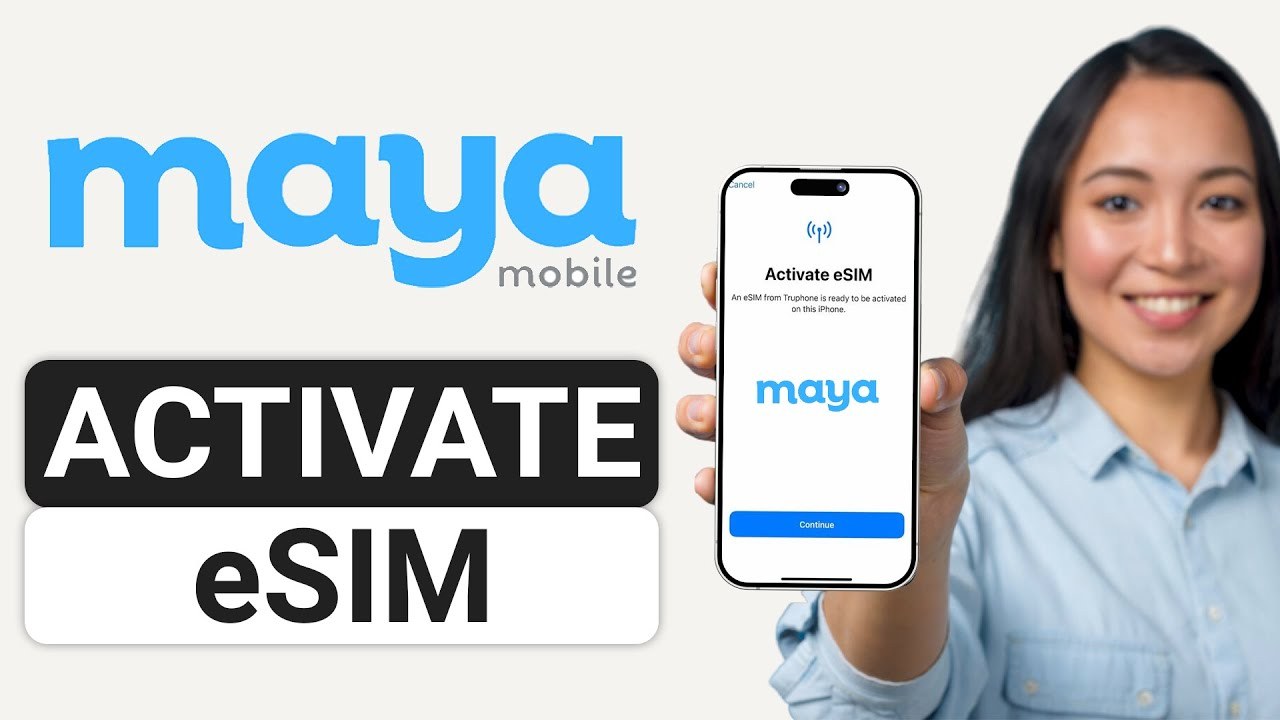
- Download eSIM Profile: The app will automatically prompt you to install the eSIM. On iOS, you will see a “Add Cellular Plan” pop‑up; on Android, you may be directed to “Settings → Network & internet → Mobile network → Advanced → Carrier”. Follow the on‑screen steps: scan the QR‑code displayed in the app, or, if you are using a device that supports “Remote SIM provisioning”, tap the “Install” button. Tip: Perform this step while still connected to Wi‑Fi, as the initial download of the profile requires an internet connection.
- Activate: Once the profile is installed, return to the app and tap “Activate”. The app may ask you to choose a default data source if your device already has a local carrier active. Set the Maya Mobile profile as the primary data connection. On iOS, you can also enable “Data Roaming” for the eSIM under Settings → Cellular → Data Roaming; on Android, toggle the “Use as default for data” option. This ensures that all apps route through the Maya Mobile network without manual switching.
- Monitor Usage: The Maya Mobile dashboard provides a real‑time visual of remaining data, days left until expiration, and network speed (4G/LTE vs 5G). Set up a low‑data alert—most apps allow you to define a threshold (e.g., 10 % remaining) that triggers a push notification. If you notice you are approaching the limit earlier than expected, you can purchase an add‑on directly from the same screen without leaving the app.
- Optional – Configure APN Settings: While Maya Mobile’s eSIM usually configures the Access Point Name (APN) automatically, certain devices or regions may require manual entry. If you encounter connectivity issues (e.g., “No Internet” while signal bars appear), navigate to Settings → Cellular → Cellular Data Options → APN and enter the details provided in the confirmation email. This step is rarely needed but can be a lifesaver in edge cases.
- Optional – Set Up Dual‑SIM Preference: Many modern smartphones support both a physical SIM and an eSIM simultaneously. If you keep a local SIM as a backup, you can set a preference order: for example, prioritize the eSIM for data, while using the physical SIM for voice calls and local SMS. Adjust these preferences in the device’s cellular settings to avoid accidental roaming charges on the wrong line.
FAQ
1. Can I use Maya Mobile on multiple devices simultaneously?
The eSIM profile you download from Maya Mobile is attached to a single device at any given moment. This design reflects how eSIM technology works: the profile occupies a slot in the device’s embedded SIM chip, and most operating systems allow only one active profile per slot. If you own several smartphones, tablets, or laptops that support eSIM, you can switch the Maya Mobile profile between them, but you must deactivate it on the first device before activating it on the second.
Practical tip: before you travel, decide which device will be your primary data hub. Many travelers prefer a lightweight tablet for streaming and navigation, while keeping a phone for calls and messaging. Using the Maya Mobile app, you can deactivate the profile on your phone, then scan the QR code on your tablet to reactivate it. The process usually takes only a few minutes, and your remaining data balance travels with the profile, so you won’t lose any of your purchased gigabytes.
For families or groups, each person will need their own eSIM profile or a separate prepaid plan, because Maya Mobile does not currently support sharing a single profile across multiple devices concurrently.
2. What happens if I run out of data?
Running out of data while abroad can be stressful, but Maya Mobile’s prepaid model is built for flexibility. Within the Maya Mobile app, you can purchase an additional top‑up at any time, provided you have an internet connection—either through Wi‑Fi or a remaining data allowance.
When you buy a top‑up, the new data bundle is instantly added to your existing balance. There is no need to wait for a new eSIM profile or to restart the device. Your usage history continues uninterrupted, and you can keep track of both the original purchase and the supplemental top‑up in the app’s data‑usage dashboard.
Tip for power users: before you leave, consider buying a slightly larger data pack than you think you’ll need. If you do end up using more than expected, the top‑up process is seamless, and you avoid the risk of being cut off in a location with limited Wi‑Fi. Conversely, if you travel light on data, you can start with a modest plan and add on only when you notice your balance dipping below a comfortable threshold.
3. Is Maya Mobile’s 5G truly 5G everywhere?
5G coverage is expanding rapidly, but it remains uneven across the globe. Maya Mobile partners with local carriers in each of the 165+ countries it serves, and the availability of 5G depends entirely on those carriers’ network rollouts. In major metropolitan areas—such as London, Tokyo, New York, and Dubai—you are likely to encounter 5G‑enabled towers, and Maya Mobile will automatically connect you to the fastest network your device supports.
In more rural or developing regions, the local infrastructure may still be limited to 4G/LTE or even 3G in some cases. Maya Mobile’s platform detects the highest‑quality signal available and switches accordingly, ensuring you stay online even when 5G is not present.
Practical advice: if you rely on the highest speeds for activities like video conferencing or large file uploads, check the coverage map in the Maya Mobile app for your specific destination. The map is updated regularly and can indicate whether 5G is available in the city center, airport, or major hotel districts you plan to visit.
4. How is my personal data protected?
Data privacy is a core concern for any digital‑first service. Maya Mobile employs industry‑standard encryption (TLS) for all communication between the app, the eSIM provisioning servers, and the backend billing system. This means that when you log in, purchase a plan, or download an eSIM profile, your credentials and transaction details are transmitted securely.
Beyond transmission security, Maya Mobile adheres to a minimal‑data retention policy. The company stores only the information necessary to activate your profile, process payments, and comply with local regulations—typically your name, email address, and payment token. Detailed usage logs are kept for a limited period and are anonymized for any analytical purposes.
For travelers who are particularly privacy‑conscious, you can review the full privacy policy directly from the app’s settings menu. The policy outlines how data is collected, stored, and shared, and it provides contact information should you wish to request data deletion or inquire about specific handling practices.
5. Can I keep my home carrier’s SIM active while using Maya Mobile?
Yes. One of the biggest advantages of an eSIM is the ability to host multiple cellular profiles on a single device. You can retain your domestic SIM card for voice calls, SMS, and any local data plan you might still need, while Maya Mobile runs in the background purely for international data.
On iOS devices, you can designate which line you want to use for data under Settings → Cellular → Cellular Data. On Android, the process is similar: go to Settings → Network & Internet → SIM cards and choose the active data SIM. This separation allows you to receive calls on your home number without interruption, while still enjoying the cost‑effective data rates that Maya Mobile provides abroad.
Tip: If you travel frequently to the same region, you might set up a “travel profile” in the eSIM settings that automatically switches to Maya Mobile when you enter a specific country. This automation reduces the need to manually toggle data sources each time you cross a border.
6. Does Maya Mobile offer any roaming agreements?
Maya Mobile’s model is based on partnerships with local mobile network operators (MNOs) rather than traditional roaming agreements. When you purchase a plan, the eSIM profile contains a list of carrier IDs that your device can connect to once you are within the target country’s coverage area.
These agreements are pre‑negotiated, so you do not need to sign up for separate roaming contracts or worry about hidden fees that sometimes accompany conventional roaming. The eSIM automatically selects the best partner network based on signal strength and compatibility with your device, giving you a seamless experience that feels native to the local market.
Because the agreements are embedded in the eSIM profile, you can travel across borders within a region (for example, moving from France to Spain) without needing to download a new profile, provided your purchased plan covers both countries. Always verify the list of covered destinations in the app before you depart, as some regional plans may have specific inclusions or exclusions.
7. What if my device does not support eSIM?
If your smartphone, tablet, or laptop lacks eSIM capability, Maya Mobile’s digital eSIM cannot be activated on that device. In such cases, you have a few alternatives:
- Physical SIM option: Seek a traditional SIM card from a local carrier in the country you are visiting. This approach can be quick at airport kiosks or city shops, but it requires swapping out your existing SIM and potentially losing access to your home number.
- Secondary eSIM‑compatible device: Carry a compact eSIM‑enabled device—such as a low‑cost Android phone or a modern tablet—dedicated solely to data connectivity. You can then tether that device to your primary phone via hotspot.
- Alternative eSIM providers: Some providers still offer physical SIM cards that can be ordered online and shipped to your address before travel. While this defeats the “digital‑first” promise of Maya Mobile, it may be a viable stopgap if you cannot upgrade your hardware.
Before you travel, confirm your device’s eSIM status in the specifications sheet or by checking the cellular settings. If you are unsure, a quick online search for “[Device Model] eSIM support” will usually provide a definitive answer.
8. Is there a way to check coverage before I travel?
Yes. Maya Mobile provides a coverage map both on its website and within the mobile app. The map is interactive: you can zoom in on a country, click on specific regions or cities, and view the types of networks (4G/LTE, 5G) that are available through the provider’s partner carriers.
Because network infrastructure can change—new towers are built, carriers upgrade equipment, or regulatory changes occur—the map is refreshed regularly. For the most accurate picture, check the coverage map a few days before departure, and again after you arrive, as the app may download an updated version based on your location.
Practical tip: In addition to the map, the app often includes a “signal test” feature that lets you see real‑time connectivity strength when you are on the ground. Running this test in the hotel lobby or airport can confirm that your device is correctly picking up the local partner network, giving you peace of mind before you head out for the day.
Conclusion
Maya Mobile delivers a streamlined, global data solution that aligns well with the needs of modern travelers and remote workers. Its digital‑first approach, extensive 4G/5G footprint, and flexible prepaid model make it a compelling option for anyone who wants to stay connected without the hassle of physical SIM cards. To explore current plans and start your eSIM journey, visit Maya Mobile today.